
Video library
Collect useful videos in your project library. Watch, compare, and find techniques for your next shoot.




It starts with a discovery.
Collect, watch, explore. Together in Studio.
An example library in Studio

Find the reference you need.
Search by topic, title, or creator. Narrow the collection with filters and revisit videos that fit your brief.
Open in Studio

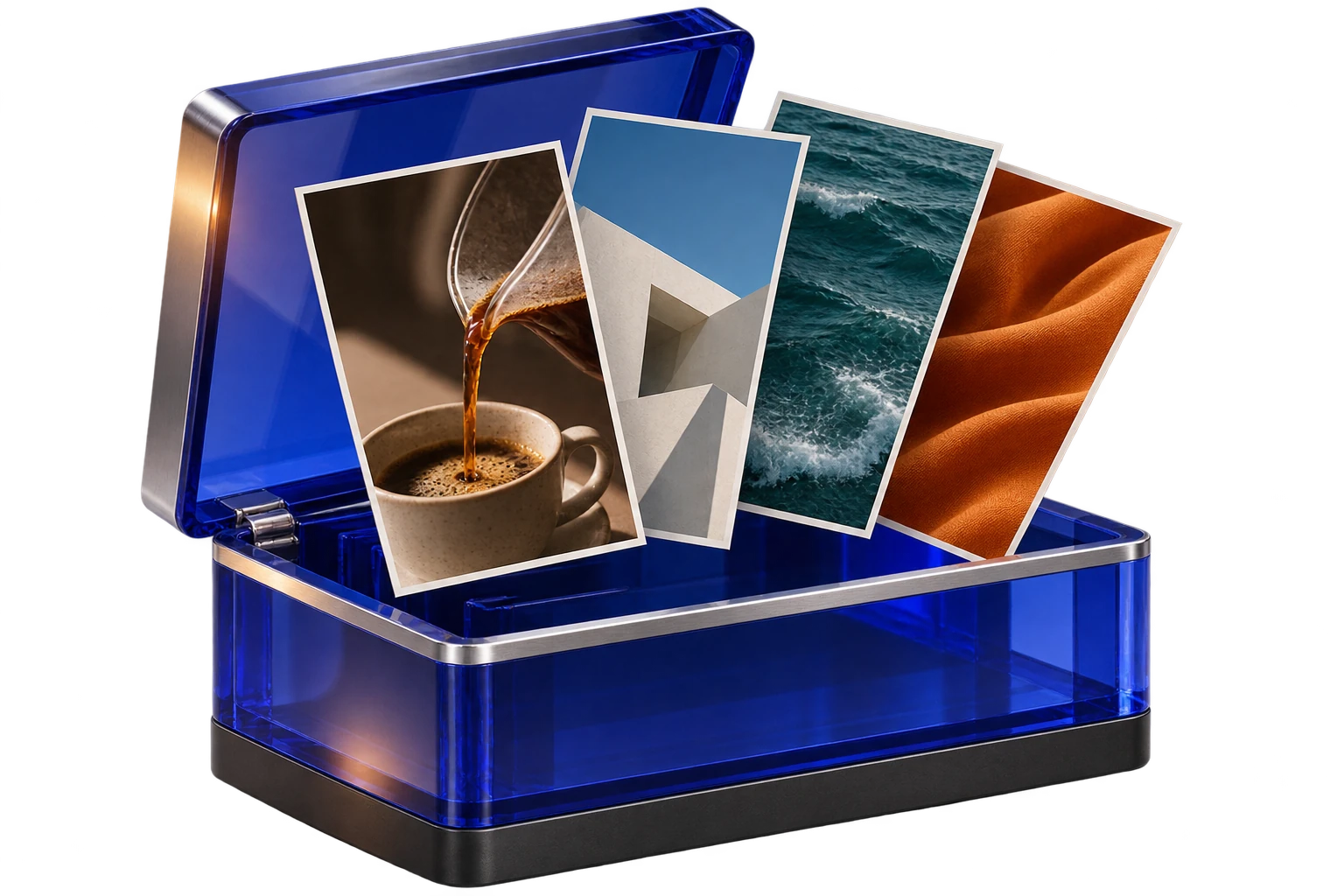
Your own collection
Discoveries worth coming back to.
In your project
Collect discoveries for your brief and return to the project library.
Find your way back
Search, filters, and sorting help you revisit the subject or approach you need.
Then explore the technique
Review the available metrics and go to analysis from the video card.
From a reference to your own video.
A reference becomes more useful when you know how to work with it. Explore its strengths and develop the idea in your own script.
Good to know
Any questions?
How do videos get into the library?
You save them from AI search and the content radar. The library keeps the project’s finds so you can return to them.
Which filters are available?
Niche and sub-niche, format, length, platform, period and source, plus sorting and search within the library.
What can I do with a video in the library?
Watch it with the available stats, download it or send it straight to AI analysis.
How many videos does the library show?
10 videos on Free, 30 on Starter, 100 on Creator and no limit on Pro and above.
Better together.
Continue your workflow with other Overeels tools.
AI video analysis
Explore the hook, structure, delivery, and retention. Get clear observations and recommendations to strengthen your next video.
AI search
Describe a topic, niche, or creative approach. Explore short videos and find examples that fit your brief.
Content Radar
Explore content around your project topics, follow new discoveries, and build your reference library as you plan new posts.
Your next idea starts here.
Open Studio and start with your brief.
Open Studio