
Cover generation
Turn your video topic into an expressive cover. Choose a style, add your copy and references, and set the visual direction.
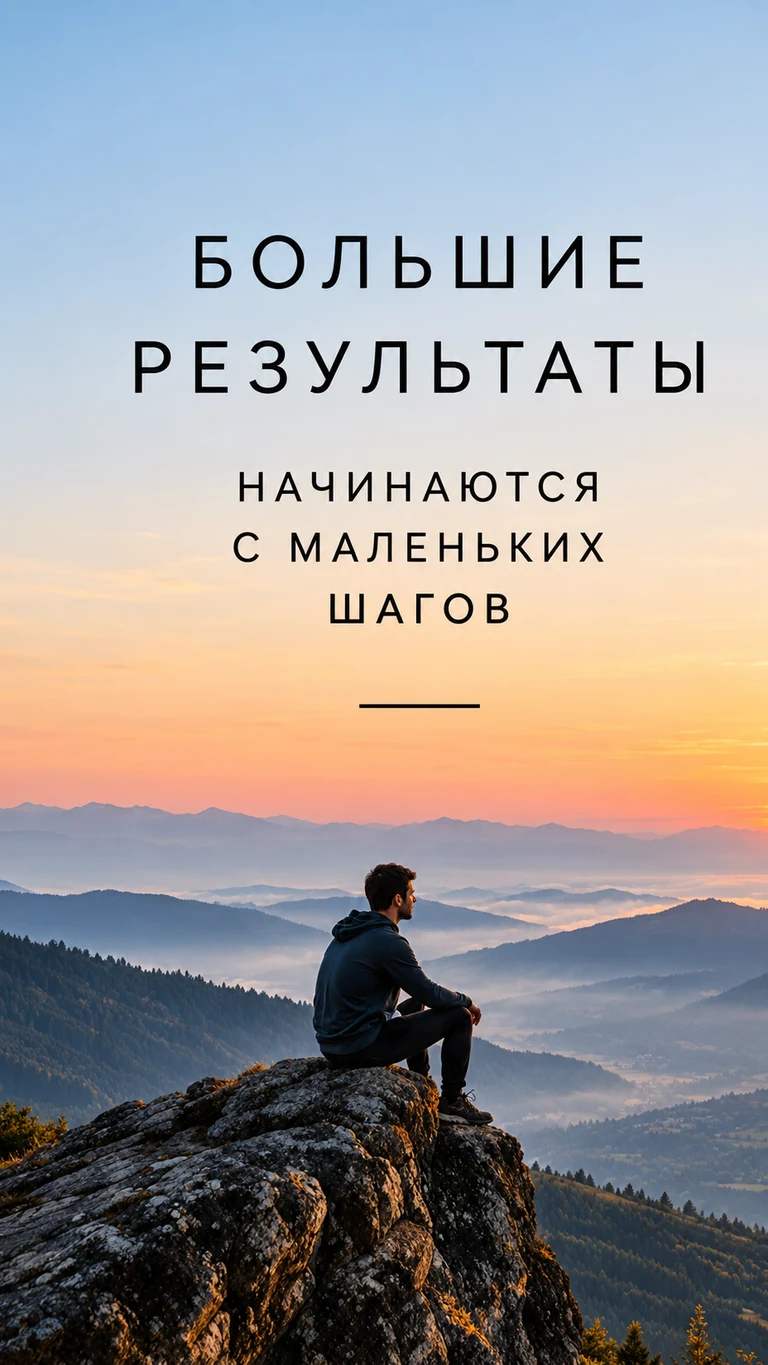
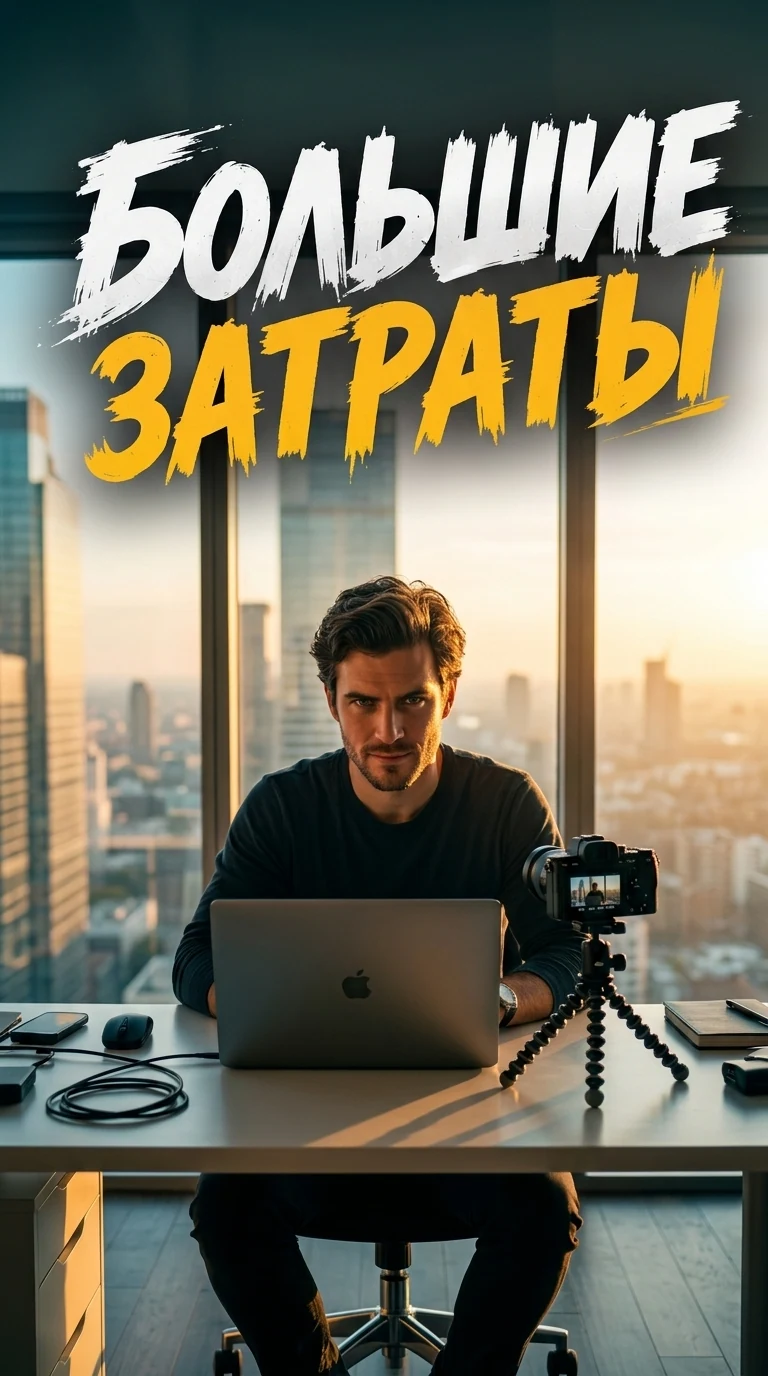

Start with the right mood.
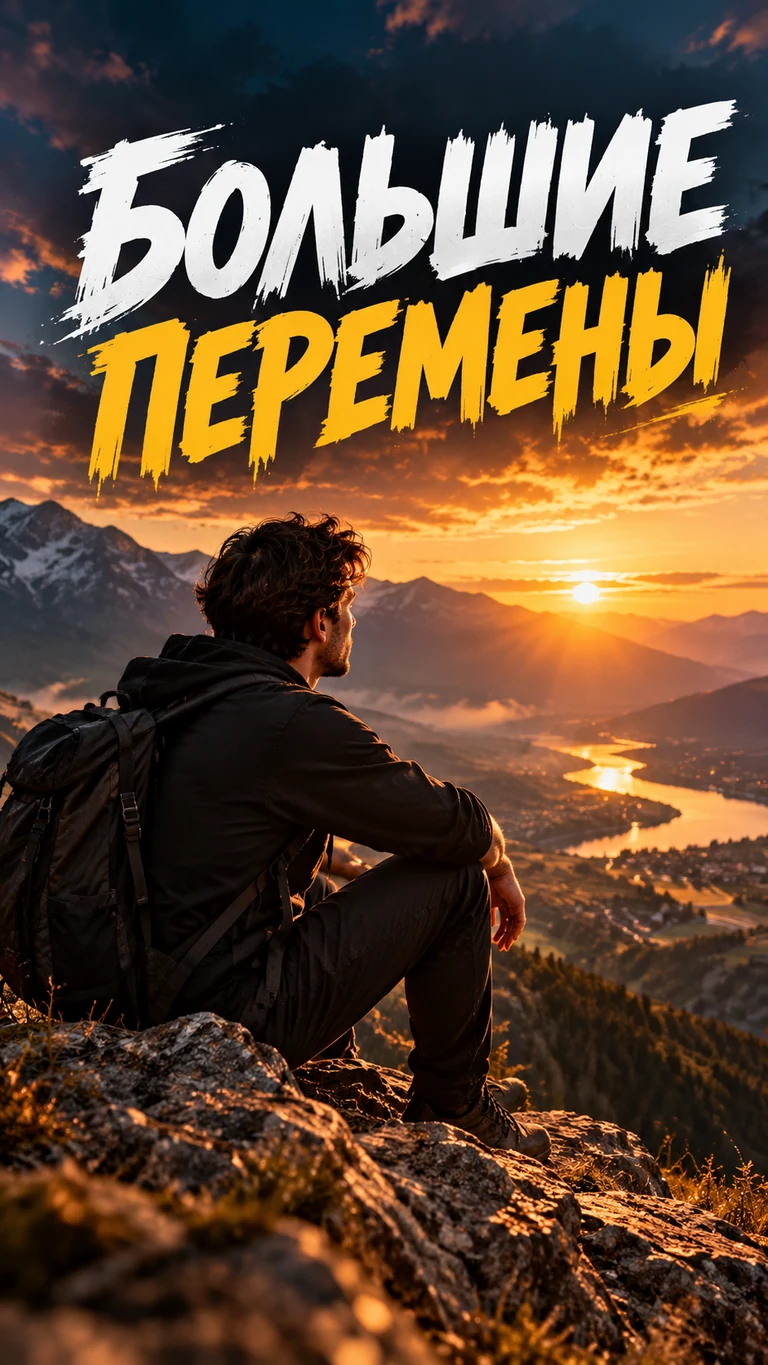




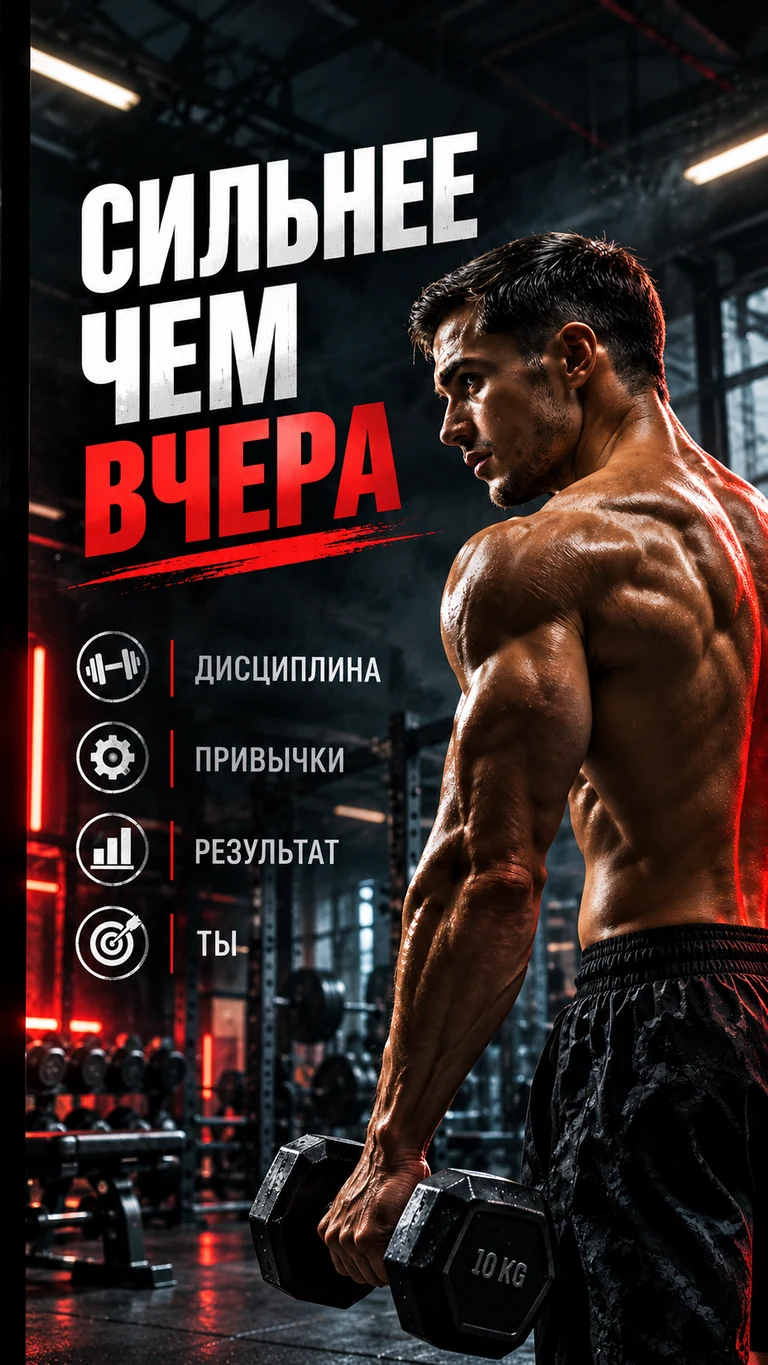



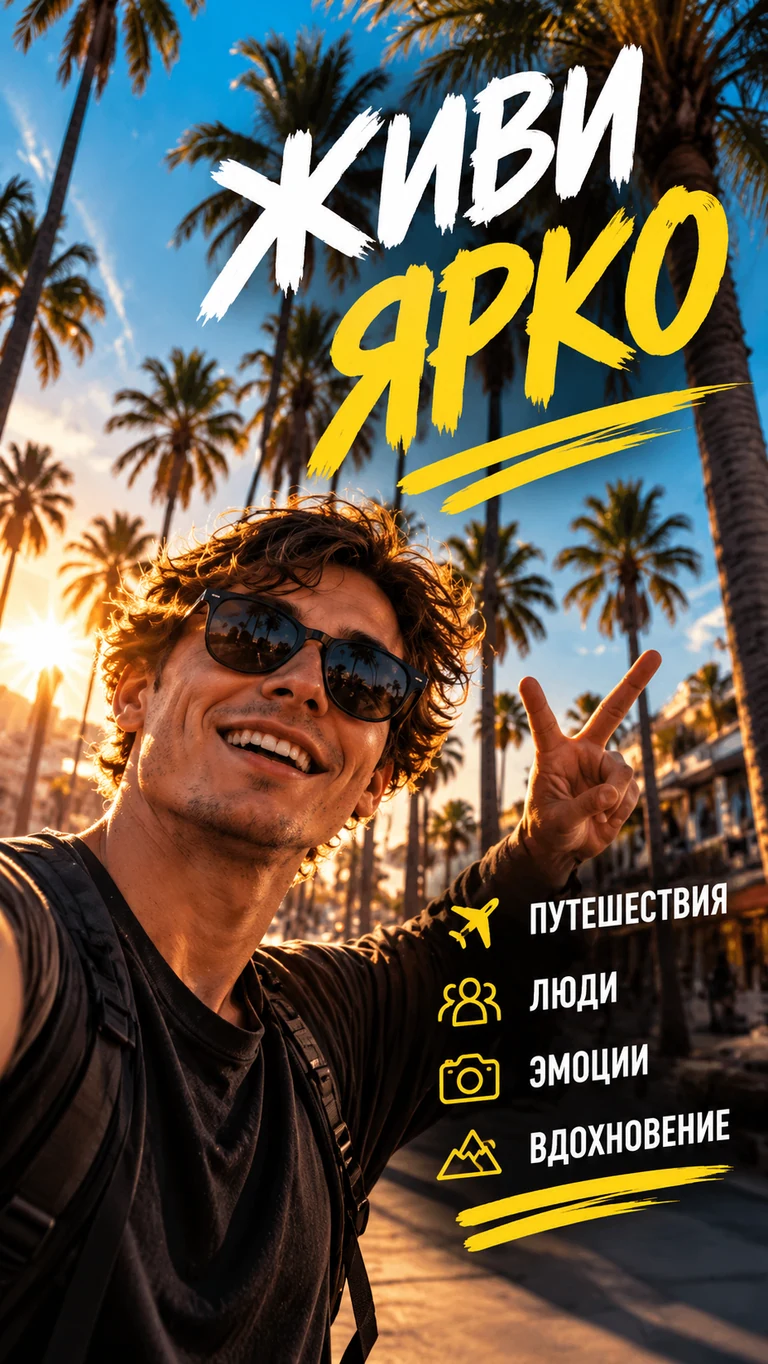
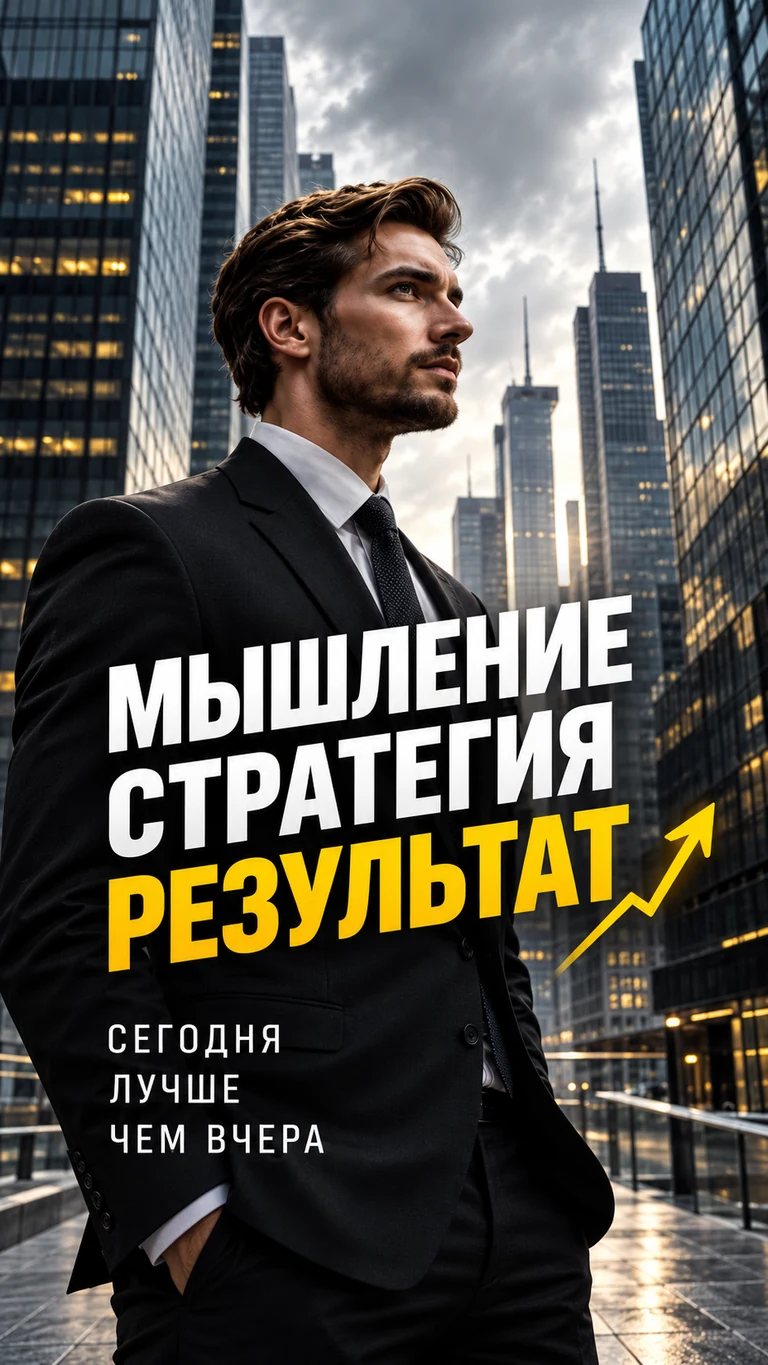


A look for your idea.
Explore typography, contrast, and mood. The example sets the look; you add your topic and copy in the editor.
Select a style example here. Configure and generate your cover in Studio.
Idea. Details. Your version.
Explore real Studio screens, from a brief and references to a saved cover.

Start with an idea and a headline.
Describe what to show. Add copy or leave the cover without lettering, then choose its look.


Before generating
Bring your visual idea together.

Idea and copy
Define the topic and main message. Specify the scene, headline, and subtitle, or choose a cover without text.
Your materials
Upload visual references and assign their roles. A person, product, and style reference each serve a different purpose.
Format and options
Choose an available aspect ratio, quality, and number of variants. Studio shows the cost before generation.
Better together.
Continue your workflow with other Overeels tools.
AI video analysis
Explore the hook, structure, delivery, and retention. Get clear observations and recommendations to strengthen your next video.
Video library
Collect discovered videos in your project library. Revisit useful finds, explore metrics, and go from a reference to an analysis.
AI search
Describe a topic, niche, or creative approach. Explore short videos and find examples that fit your brief.
Your next idea starts here.
Open Studio and start with your brief.
Open Studio